For fashion brands
Let shoppers see it on before they buy.
Add a “Try it on” button to every product page. Shoppers upload one photo and see themselves wearing your clothes in about 30 seconds. More confidence at checkout, fewer returns.
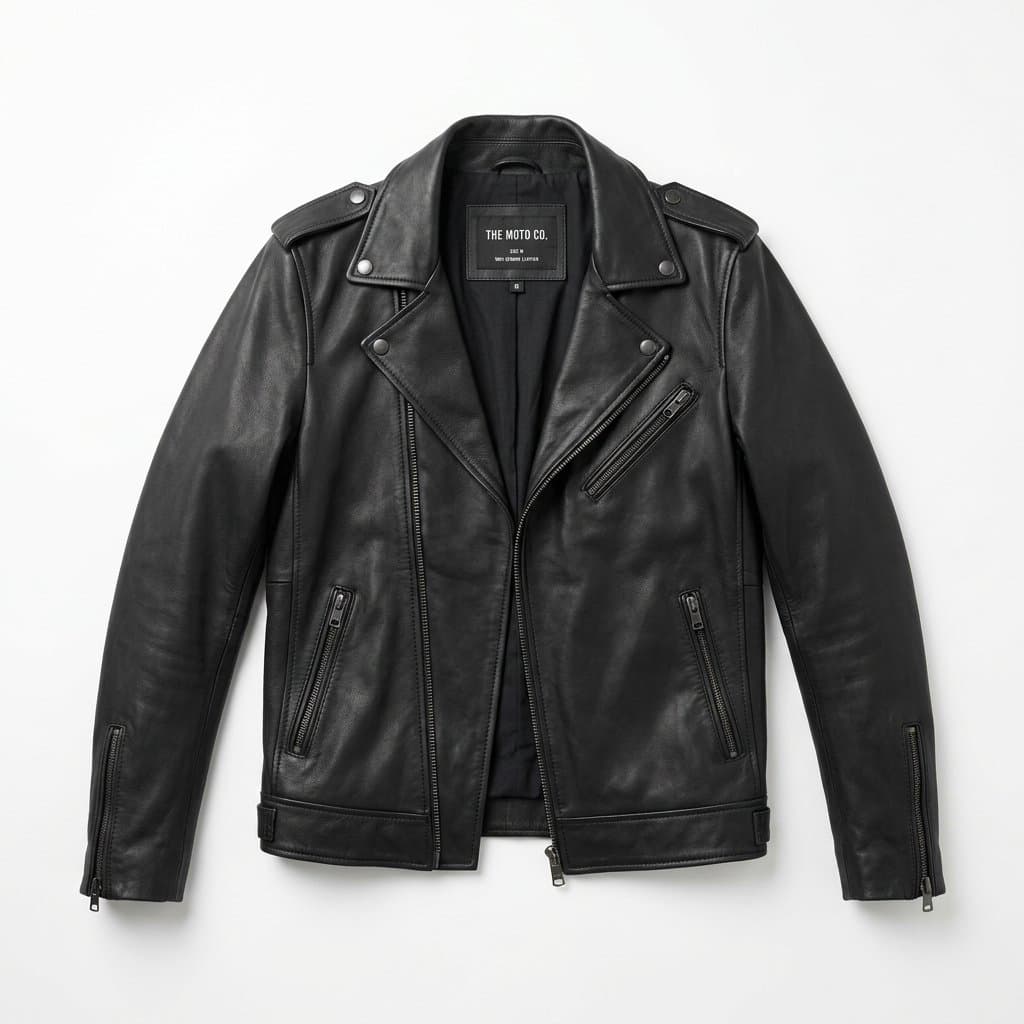
Your brand
Leather Biker Jacket
₹4,999
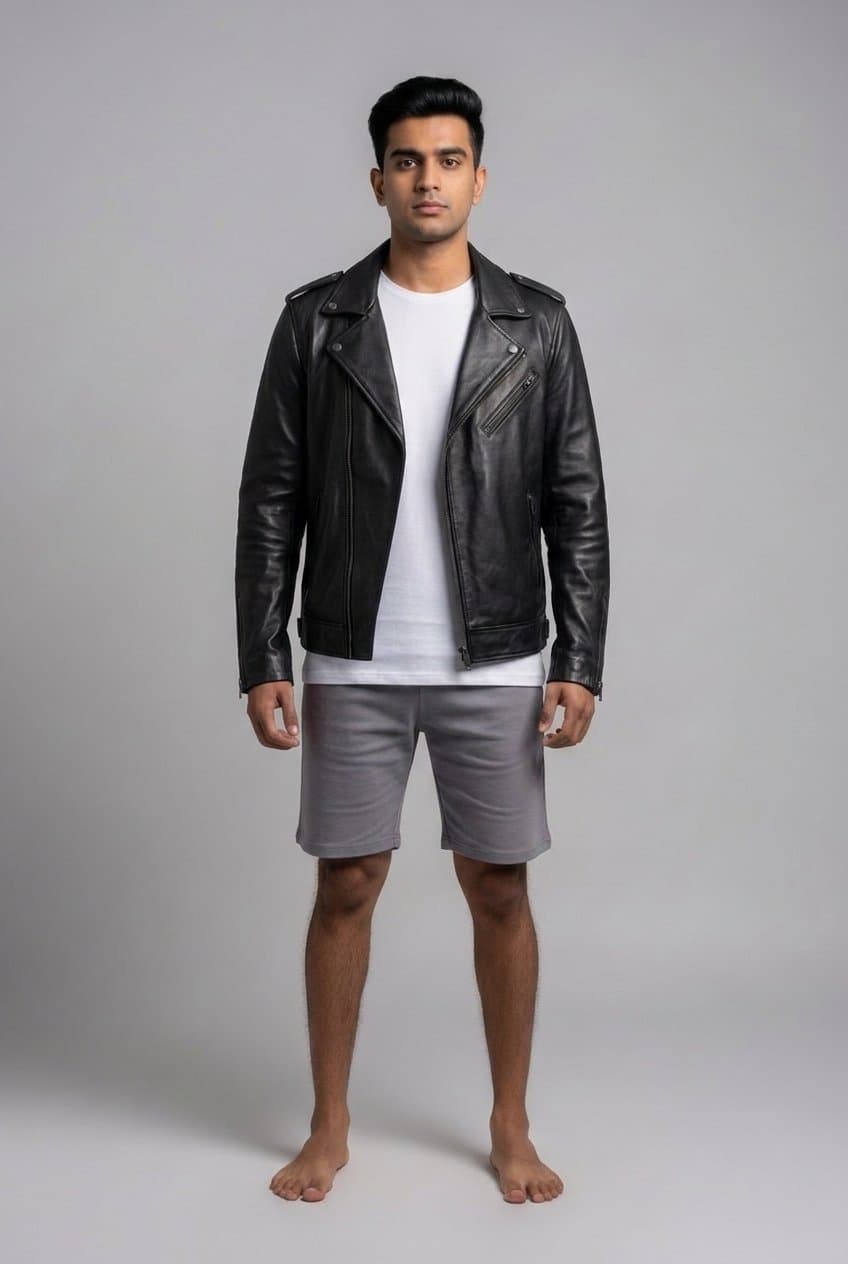
Here's you in it ✓
1 line
of code to install
~30 sec
per try-on
0
developers needed
50
free try-ons to start
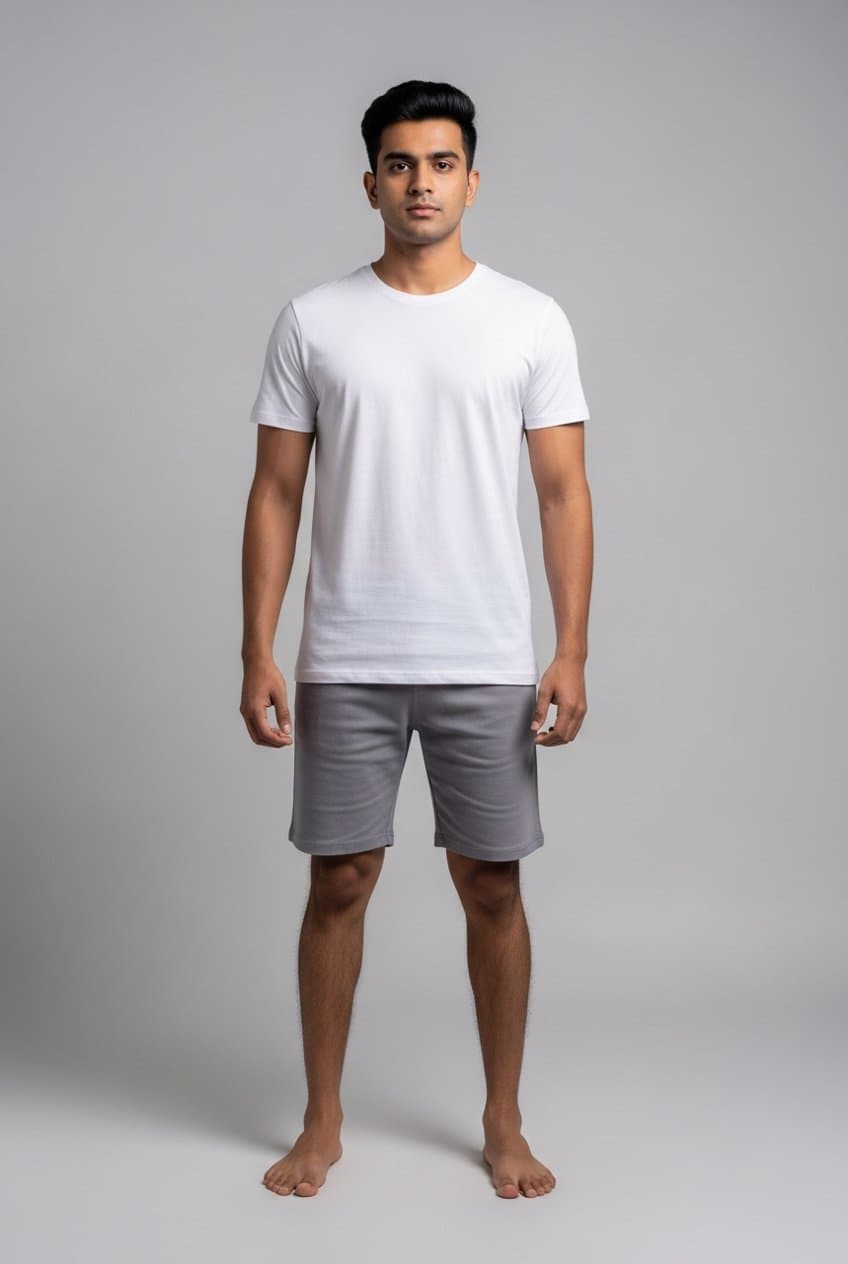
Real output, not a mock-up
Their face. Their body. Your product.
Drag the slider. This is one shopper photo and one product image, straight from the button. The face, build and background stay untouched; only the clothing changes, with your exact colour, cut and detail.
The input: your product photo
Flat-lay or on-model, as it already is on your site.
Live in two minutes.
Sign up
Tell us your brand and website. Takes a minute.
Paste one line
Copy your code into your store once. We handle everything else.
Shoppers try it on
A “Try it on” button appears next to Add to Cart on every product.
Questions brands ask
- Do I need to upload my catalog?
- No. The button reads the product photo already on your page, works out what the garment is, and puts it on the shopper. New products work the moment you publish them.
- Will it slow my store down?
- No. The script loads in the background after your page, and nothing runs until a shopper taps the button.
- What happens to shoppers' photos?
- A photo is used only to create that shopper's preview. It's never shown to you and never posted anywhere.
- What can be tried on?
- Tees, shirts, tops, kurtis, jackets, jeans and trousers, dresses, formalwear, shoes, glasses and jewellery. On-model and flat-lay photos both work.
- What does it cost after the free try-ons?
- Monthly plans based on how many try-ons your shoppers use. Failed try-ons are never charged, and a repeat of the same photo and product is free.
Start with 50 free try-ons.
No card, no developer needed. You'll get your code on the next screen.
Sign in to get started